What is a closet organizer app?
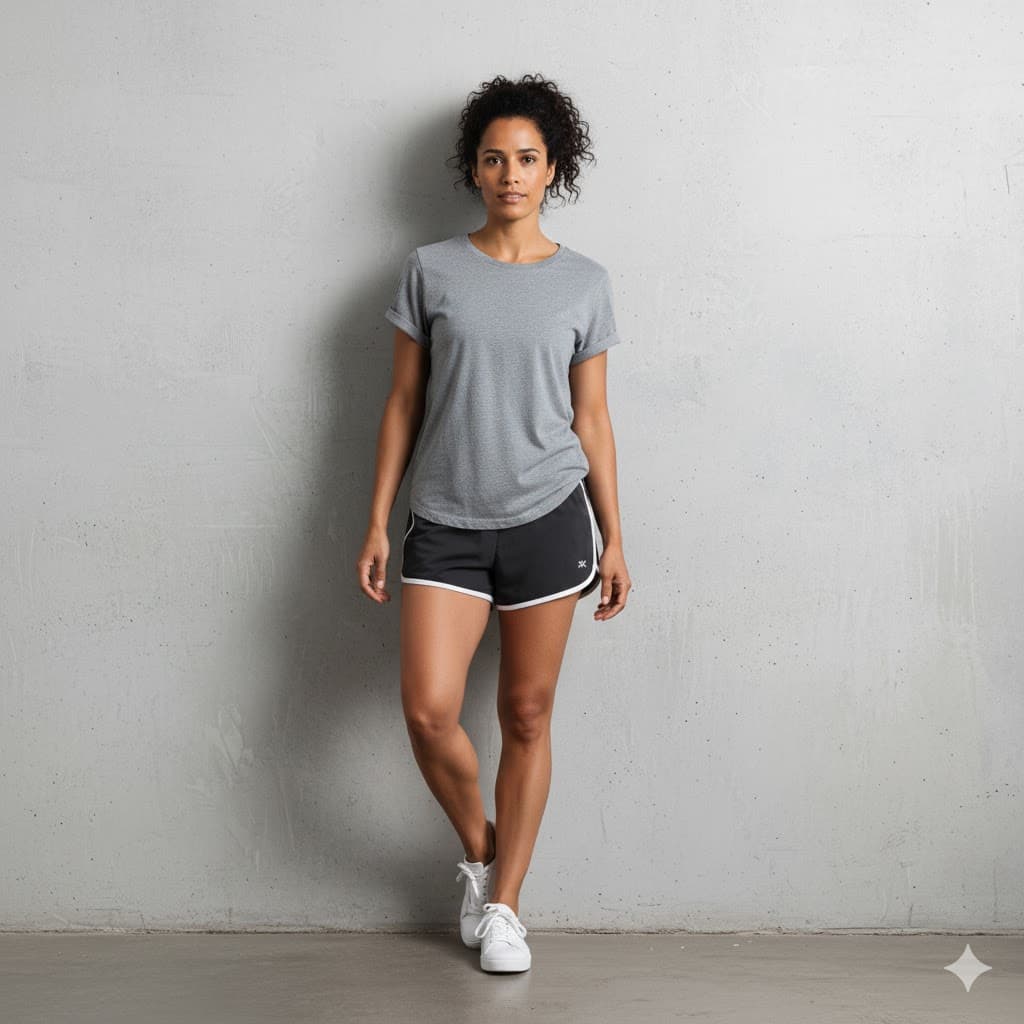
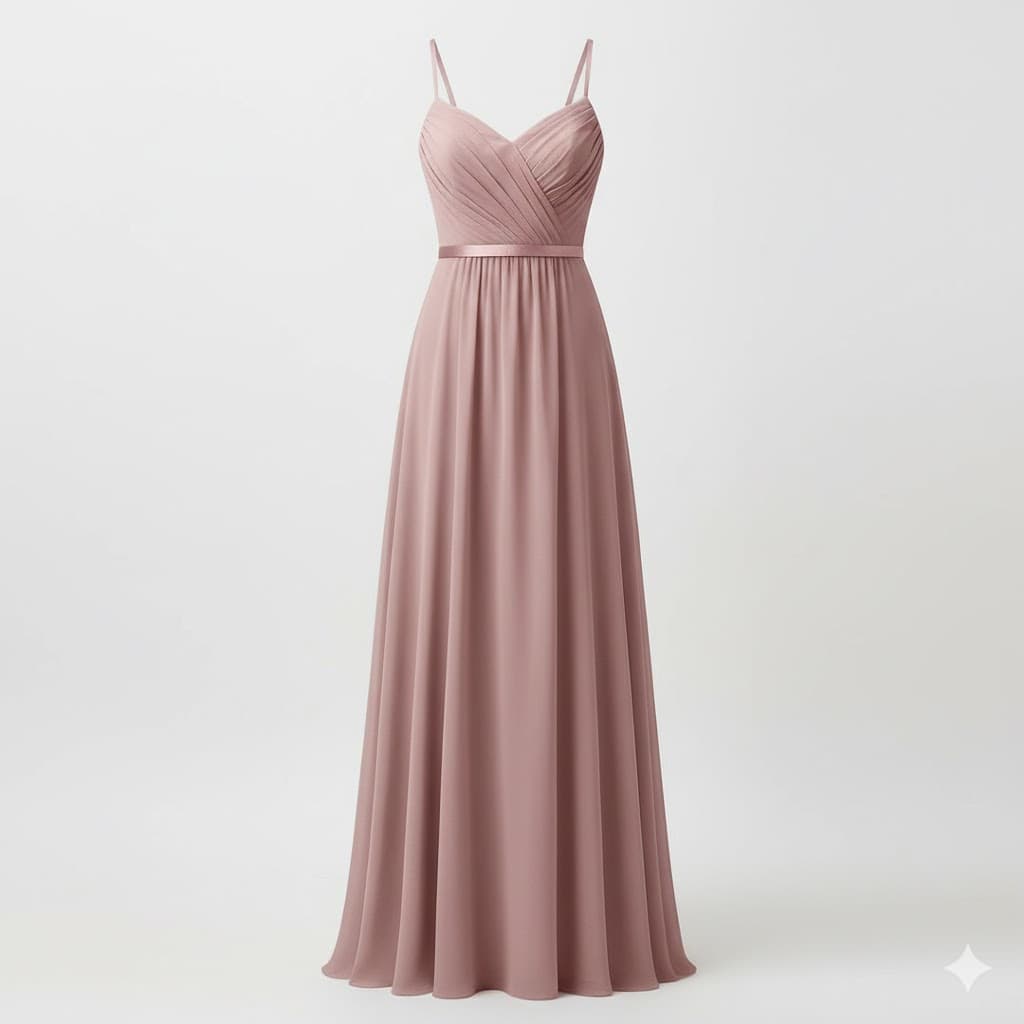
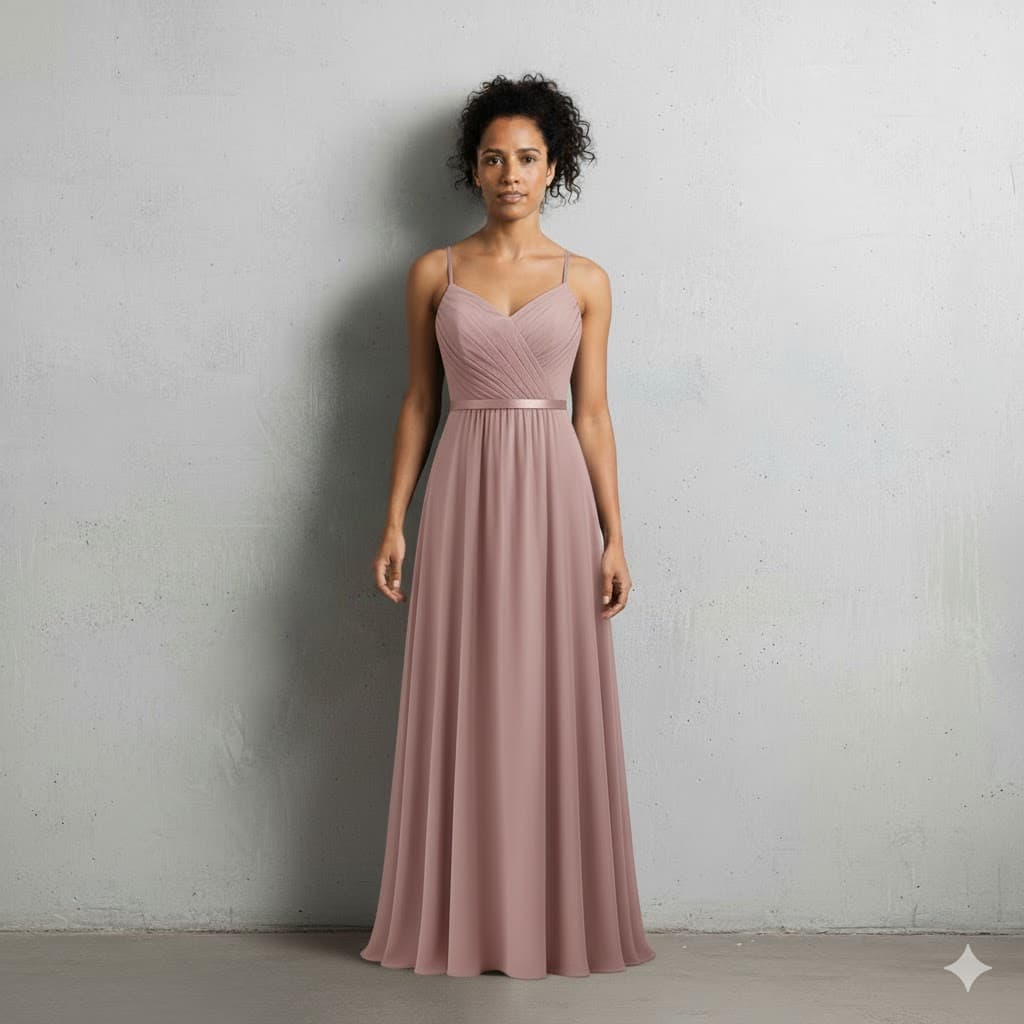
A closet organizer app is a digital tool that helps you photograph, catalog, and organize your clothing collection in one place. Instead of pulling items off hangers to remember what you own, a closet app gives you a visual inventory of your entire wardrobe on your phone or computer. TryDrobe goes further than a basic catalog, it includes AI-powered virtual try-on so you can preview how any item looks on your body, plus an outfit planner so you can schedule what to wear each day.
Closet organizer apps typically include four core features: (1) a digital wardrobe where each garment has its own photo and tags, (2) outfit builders that let you mix and match pieces into looks, (3) calendar-style planners for scheduling what to wear in advance, and (4) analytics such as cost-per-wear so you can see which items are earning their keep. The best closet apps add virtual try-on, so new pieces can be tested against your existing wardrobe before they ever arrive.
Why digitize your wardrobe?
The average American owns more than 100 items of clothing but actively wears roughly twenty percent of them. The other eighty percent sits in the back of the closet, forgotten. A digital closet solves this by making your entire wardrobe visible at a glance, when every garment is a thumbnail you can swipe through, the forgotten favourites resurface and the impulse buys become obvious. Most TryDrobe users report that within the first week of cataloguing their closet they discover at least a dozen items they had completely forgotten about.
Digitizing your clothes also unlocks serious financial awareness. When each item is tagged with how often you have worn it, you can see the true cost-per-wear of a $200 jacket that comes out three times a year versus a $40 tee that goes into rotation weekly. Over a few months of tracking, the pattern is undeniable, and it changes how you shop. TryDrobe pairs this analytics view with virtual try-on so that before you add anything new, you can see how it will sit alongside the pieces you already own. That is the loop that stops overshopping: see what you have, see how new pieces will fit in, then buy only what actually works.
Best clothes app features to look for
Not all clothing apps are built the same. The features below separate a polished closet organizer from a glorified photo album. Here is how TryDrobe scores on each:
| Feature | Why it matters | TryDrobe |
|---|
| Virtual try-on | See outfits on your own body before buying | Yes, on your own photo |
| Category tagging | Filter by type, colour, season, occasion | Yes |
| Outfit planner | Schedule looks for upcoming days | Up to 2 weeks ahead |
| Works with any brand | Import garments from any website | Yes |
| iOS + web sync | Access wardrobe from phone and desktop | Yes |
| Free tier | Try before paying | Yes |
| Encrypted storage | Photos never used for AI training | Yes |
If an app is missing virtual try-on, outfit planning, or cross-device sync, it is a closet catalogue, not a closet organizer. Compare TryDrobe head-to-head with competitors in our best clothing apps roundup.
Is TryDrobe a free wardrobe app?
Yes, TryDrobe offers a free tier that includes the digital closet, basic outfit planning (up to 2 days ahead), and 2 free virtual try-ons for new accounts. That is enough to catalogue your wardrobe, experiment with outfit combinations, and confirm that the app earns a place on your phone before you commit to a plan. Paid plans unlock ongoing try-on credits, extended planning up to two weeks, and priority AI processing; they start at $4.99 per week.
Most closet organizer apps make you choose between a minimal free tier or a premium app with a free trial. TryDrobe's free plan is a genuine free tier that stays free for as long as you use it, there is no trial clock. See full details on the pricing page.
From closet organizer to capsule wardrobe
Once your closet is digitized, you will start to see patterns: the versatile core pieces that anchor 70 percent of your outfits, and the one-time novelties that have been worn twice in six months. That insight is the foundation of a capsule wardrobe: a curated set of pieces that work together across every occasion in your life. Use TryDrobe's outfit builder to test how a potential addition would combine with five or six of your most-worn items before you buy. If it only works with one thing, skip it. For a structured approach, see our capsule wardrobe guide.
TryDrobe vs Stylebook, Whering, and other smart closet apps
The digital wardrobe apps market has grown significantly, and choosing between them comes down to what matters most to you. Stylebook is one of the original closet organizer apps and remains popular for its manual outfit collage builder and detailed statistics. It works well as a standalone catalogue but has no virtual try-on and no web version, so everything stays on a single iOS device. Whering focuses on sustainability metrics and integrates with resale platforms, making it a solid pick if your primary goal is reducing clothing waste. GetWardrobe Outfit Planner takes a calendar-first approach, generating daily outfit suggestions from your uploaded wardrobe based on weather and schedule.
TryDrobe differs from all three in one fundamental way: AI virtual try-on. Where Stylebook shows a flat collage, Whering shows a clothing grid, and GetWardrobe shows a calendar card, TryDrobe renders the actual outfit on your body. That difference changes how you evaluate an outfit, you are no longer imagining how pieces will look together, you are seeing it. For a detailed feature-by-feature breakdown, read our best clothing apps comparison.
Using a smart closet as your daily outfit planner
A smart closet becomes genuinely useful when it connects your wardrobe inventory to a planner. Cataloguing clothes is step one, but the real value unlocks when the app can suggest what to wear based on what you own, what the weather looks like, and what you have not worn recently. TryDrobe's built-in outfit planner pulls directly from your digital closet, so every suggestion is grounded in pieces you actually have. No browsing through outfits built around clothes you do not own.
Closet organizer app questions
What is the best closet organizer app?
The best closet organizer app depends on what you optimize for. For virtual try-on plus full wardrobe cataloguing, TryDrobe is the most complete option because it combines AI try-on, outfit planning, and a digital closet in one app. For fully automatic weekly outfit generation, Clueless is a strong pick. For sustainability and cost-per-wear analytics, Whering leads. For mobile-only minimalism, Pureple and Acloset are popular choices. See our deeper comparison in the best outfit planner apps post.
How do I organize a digital wardrobe?
Start by uploading photos in batches of ten to fifteen, the session is less overwhelming than trying to do everything at once. Tag each item with its category (tops, bottoms, dresses, outerwear, shoes, accessories), primary colour, and the season you wear it. Once tagged, build five or six go-to outfits from your favourites so you have something to schedule in the planner right away. Maintain the closet by adding new purchases on the same day they arrive and removing items when you donate or discard them. Most users finish cataloguing their wardrobe in two to three sessions.
What is the difference between a closet app and a wardrobe app?
The terms are used interchangeably. Both refer to apps that digitize your clothing collection and help you manage it. "Closet organizer app" tends to emphasise cataloguing and inventory, while "wardrobe app" and "clothing app" often emphasise outfit planning and styling. TryDrobe covers both, catalogue, outfits, and virtual try-on, so you don't need to use two apps for related tasks.
Does the app work on iOS and Android?
TryDrobe is available as a native iOS app and a web app that works in any modern browser on Android, desktop, or tablet. Your wardrobe syncs across every device you sign in on, so you can add a new item from your phone in the dressing room and plan outfits from your laptop at home.
Are my photos private?
Yes. Photos are encrypted in storage and are never used to train AI models. Virtual-try-on requests are processed through Google's Gemini API under terms that prohibit training use. You can delete any image, or your entire account, at any time. Free-tier retention is 7 days; paid plans extend to 30 days, 90 days, or full history.